Flowstate Desktop
Routes your AI tools through Flowstate so usage is tracked against your budget and requests go to the right model.
Deploying to a fleet? MDM guide
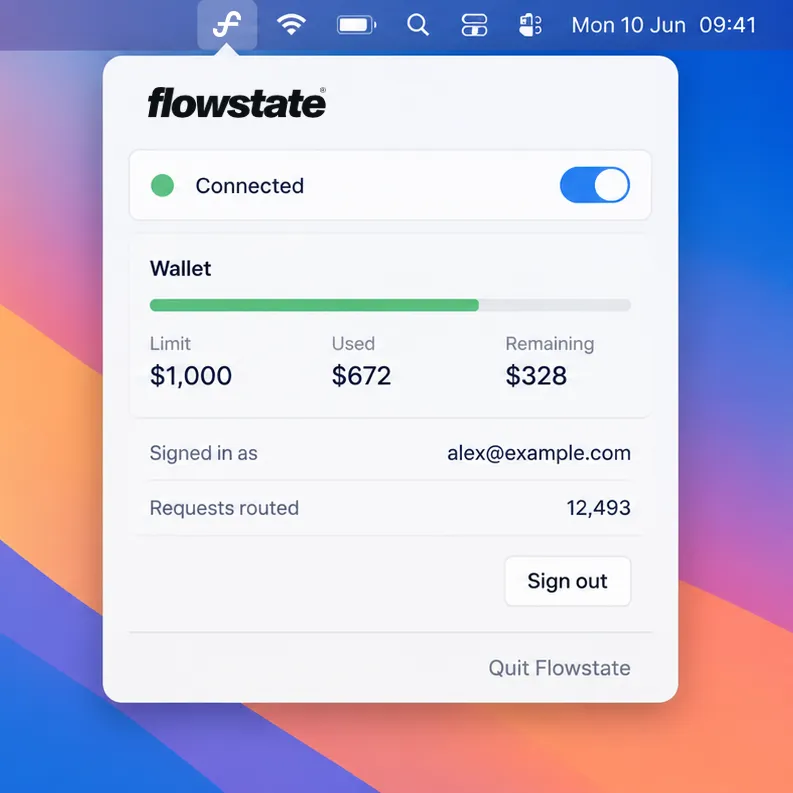
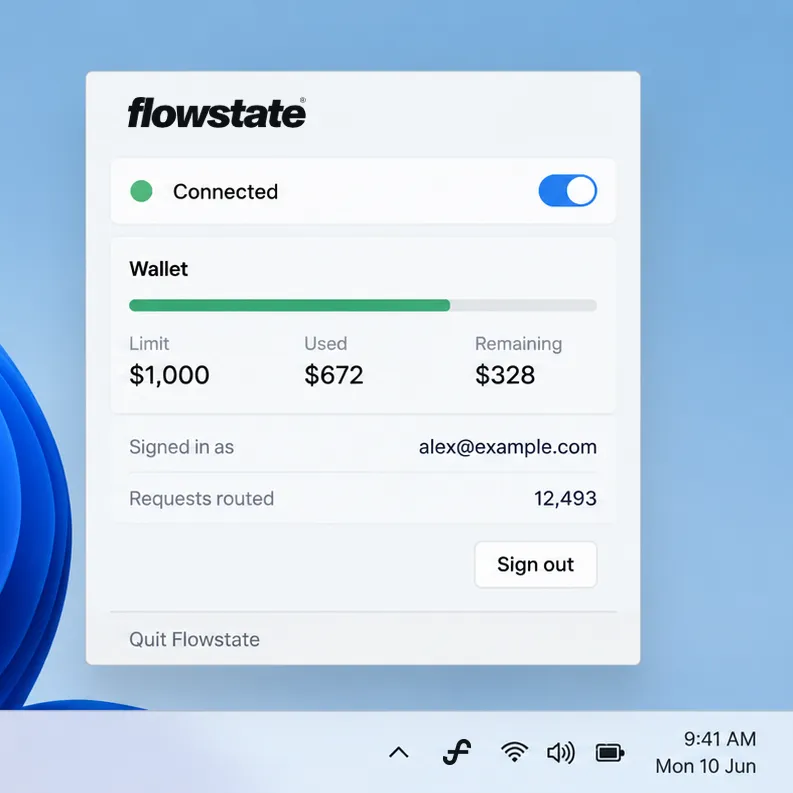
What you get
- Works with Claude Code, Claude Desktop, Codex, Cursor and more. No per-tool setup, apart from one Terminal line for Node tools.
- Only AI requests go through Flowstate. Everything else goes direct.
- Your spend limit, what you’ve used and what’s left, in the menu bar.
- If Flowstate can’t be reached, requests go straight to the AI service and your tools keep working.
Flowstate Router
Flowstate Desktop sends AI requests to Flowstate Router, which records each one against your budget and, if your organisation turns it on, moves simple prompts to a cheaper model.
About Flowstate Router ↗Release details
- macOS
-
Version 2.0.6 · 19.4 MB · macOS 14+, Apple silicon and Intel
SHA-2562fd11b719bf4127c754159b337a8ce985dfb9bff6e0a257bfff7044f03562788 - Windows
-
Version 1.0.1 · 60.5 MB · .msi, 64-bit
SHA-25670cff6c0ae754b226e61833def778c7663355e539236456fc0c669d9e3a3dc15
What to know before you start.
What is the certificate for, and is it safe?
It lets Flowstate Desktop read your AI tools’ encrypted requests on your Mac. Its private key is created on your Mac and never leaves it. The certificate only covers the domains AI services use, so connections to other sites are never decrypted.
Can IT deploy it without prompts?
Yes. A configuration profile in Jamf, Kandji, Intune or another MDM approves the network extension and proxy, and can push the certificate. People then only need to sign in. The MDM guide in the docs has the details.
How do I uninstall it?
Quit Flowstate from the menu bar and delete the app. Then remove Flowstate from Network Extensions in System Settings, and delete its certificate in Keychain Access.